AI Tools
On this page you will get an overview of the AI Tools available to Operations Engineers in the Kelvin UI.
What are AI Tools?
The AI Tools section of the Kelvin UI brings intelligence into day-to-day operations. It covers everything from detecting unusual asset behavior and building repeatable response logic, to running scheduled autonomous assistants that monitor, summarize, and act on your behalf.
It covers three independent capabilities (all currently in beta):
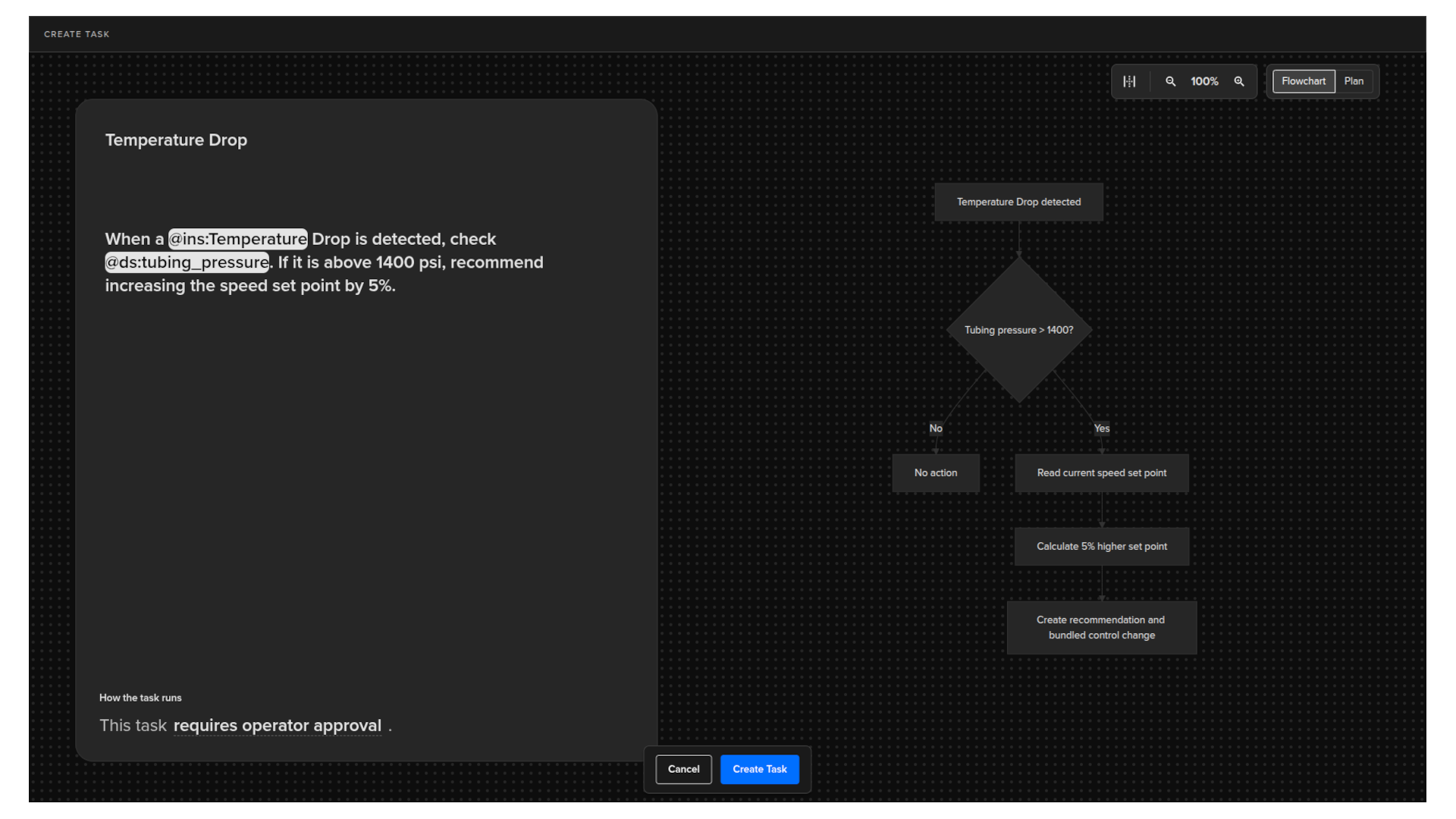
- AI Events to Tasks: a structured workflow that takes detected asset events, turns them into validated insights, and converts those insights into executable task logic.
- AI Engineer Agents: autonomous digital assistants that watch for specific scenarios, interpret operational situations, and act within limits the Operator defines.
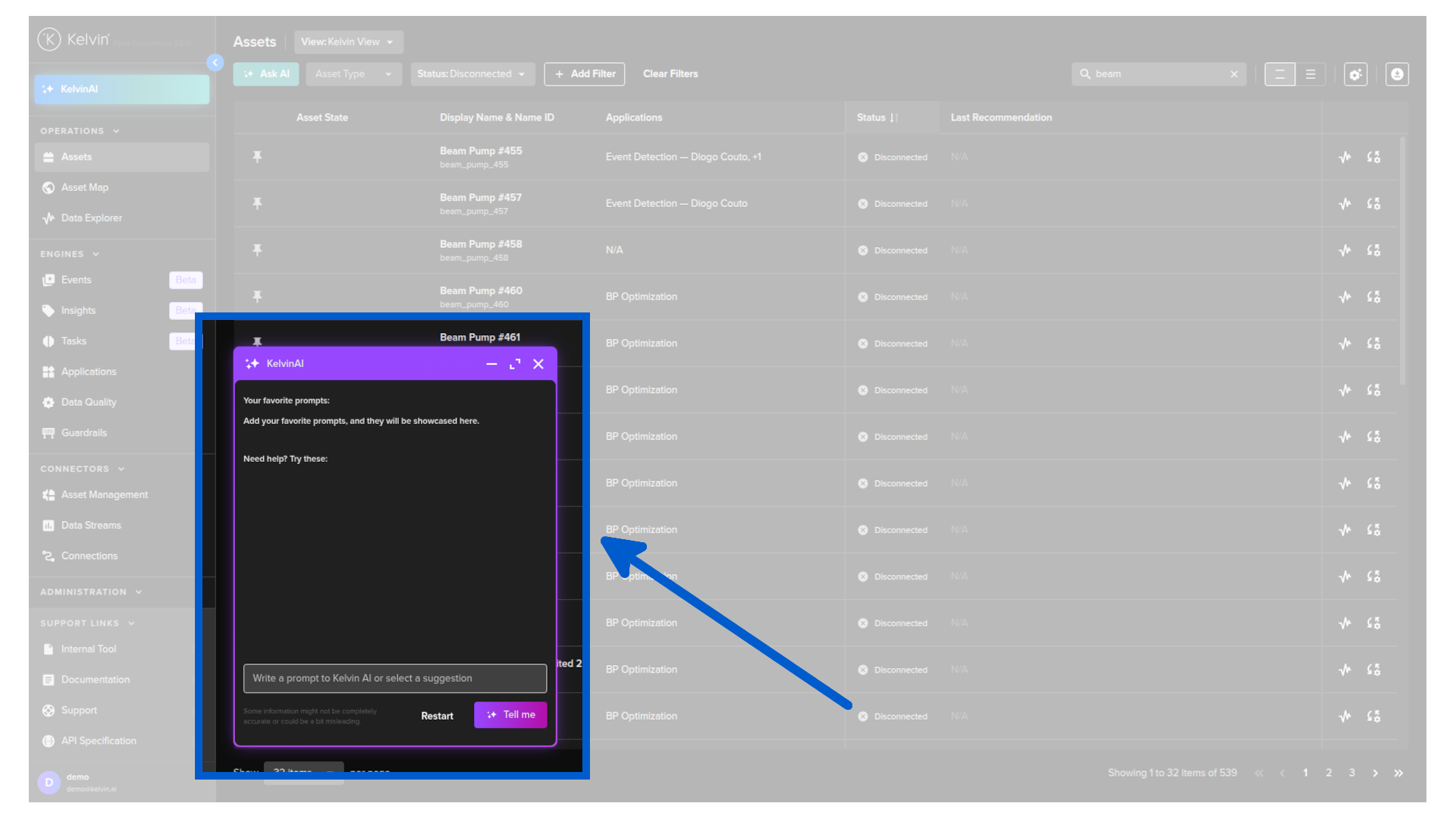
- Kelvin AI: a natural-language interaction tool for querying the platform and retrieving operational information in a flexible, free-flowing style.
None of these capabilities require programming experience. All work from the Operator's own knowledge of the asset and the operation.
Kelvin AI Beta
Kelvin AI is a standalone natural-language interaction tool, introduced in version 7.0, for working with the Kelvin Platform.
It lets Operators ask questions and retrieve operational information in plain language, with responses presented primarily through tables in an open, free-flowing style.
Beta Release
Kelvin AI is currently in beta. New capabilities and dedicated widgets will be added in upcoming releases.
See the Kelvin AI page for more details.
AI Engineer Agents Beta
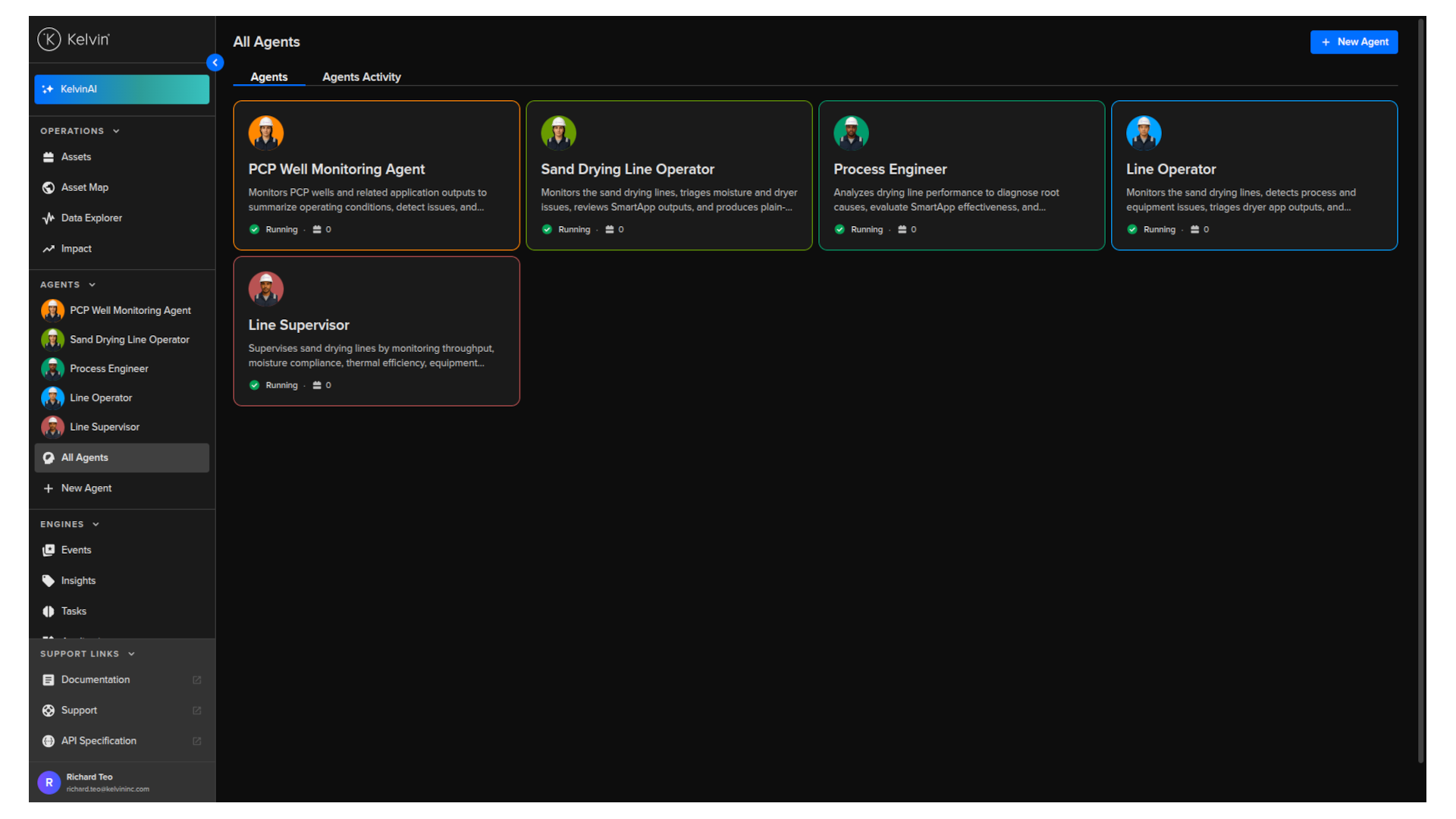
An AI Engineer Agent is a digital assistant that works alongside or on behalf of the Operator.
It is not a chatbot. It sits between the people running the operation and the automation layers underneath, with access to live data, documents, and standard operating procedures.
Agents operate in one of three modes:
- Agent-in-the-room: surfaces observations and analysis. The Operator decides what to do.
- Human-in-the-loop: prepares the action. The Operator approves before anything happens.
- Closed loop: acts autonomously within the limits the Operator has set.
The same Agent can operate in different modes for different tasks.
AI Events to Tasks Beta
The Events to Tasks workflow runs across three stages, each building on the last.
| Stage | What it does |
|---|---|
| Events | Detects noteworthy behavior, either automatically (unsupervised) or by matching known patterns (supervised). |
| Insights | Validates event evidence, tags it with supporting Data Streams, and searches for similar past occurrences. |
| Tasks | Converts validated insights and natural language instructions into reusable decision logic that runs on one or many assets. |
Once a Task is live, it applies the same logic every time it detects a matching Event. Teams can configure the response: Recommendations in Open Loop or Closed Loop, Alerts, discussion prompts, or integration with other applications.