You can delete Insights in the Kelvin UI when viewing an individual Insight event.
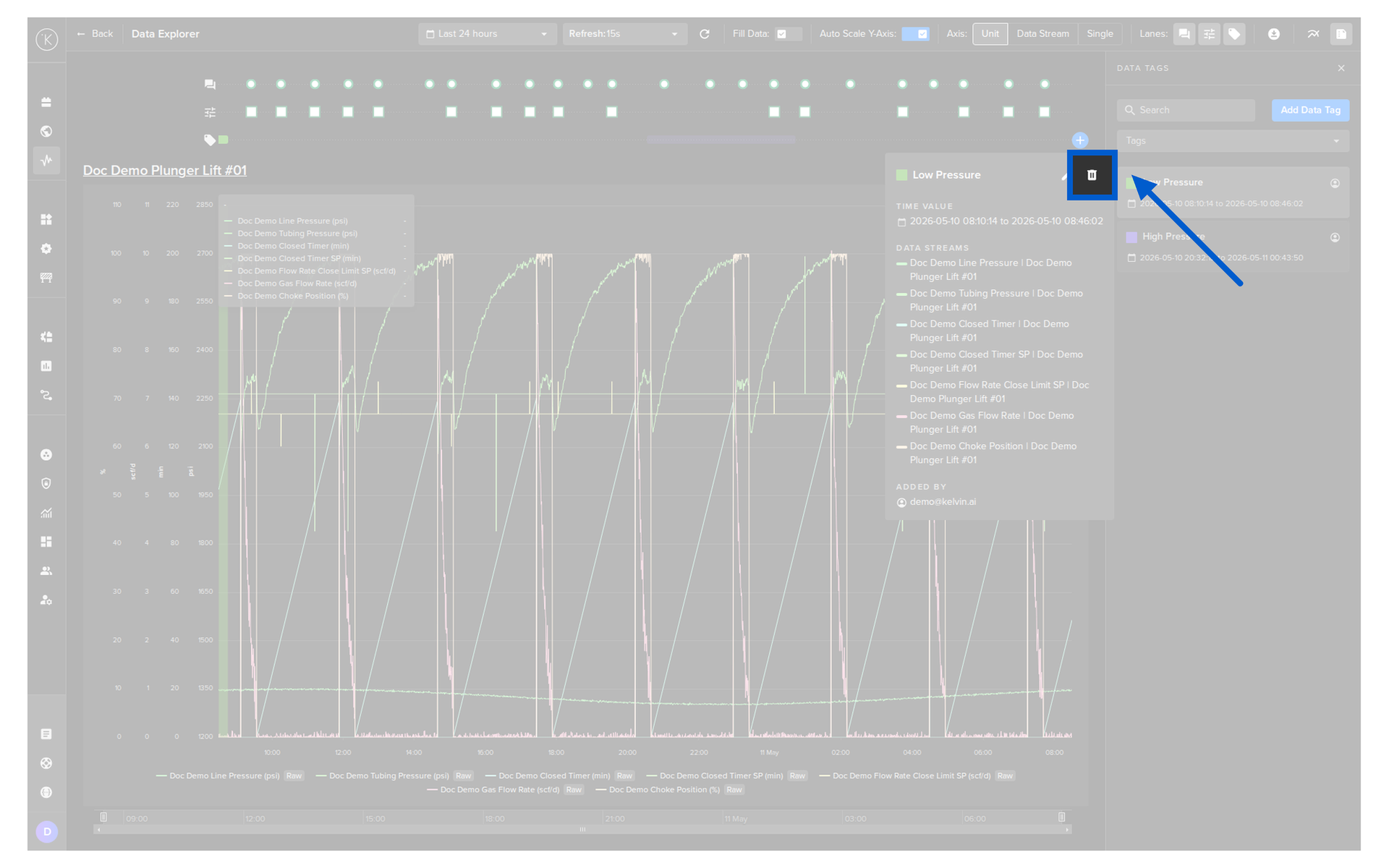
You can read full documentation about the Kelvin UI Insights in the Operations Tools here.
| API cURL Example |
|---|
| curl -X 'POST' \
'https://<url.kelvin.ai>/api/v4/datatags/118f5665-fdad-4c28-a09f-ca0a416202ff/delete' \
-H 'Authorization: Bearer <Your Current Token>' \
-H 'accept: application/json' \
-d ''
|
The response will only be the return code 200.
| API Client (Python) Example |
|---|
| from kelvin.api.client import Client
# Login
client = Client(url="https://<url.kelvin.ai>", username="<your_username>")
client.login(password="<your_password>")
# Delete Data Tag
response = client.data_tag.delete_data_tag(datatag_id="2a1fbcf5-772c-4788-8066-94bb885e79b8")
print(response)
|
The response will look like this;
| API Client (Python) Example Response |
|---|
| |