Applications
What is Applications
Applications are the programs that can be developed. There are four types of programs.
Note
Click on a link to read concept details of each.
- Application
- Docker App
- Imports
- Exports
They are kept in the App Registry on the Kelvin Platform.
Note
All Applications and Docker Apps are listed under Applications in the Engines section.
What are Applications?
Here we focus more on Applications as this has the most features available that are tightly integrated into the Kelvin Platform.
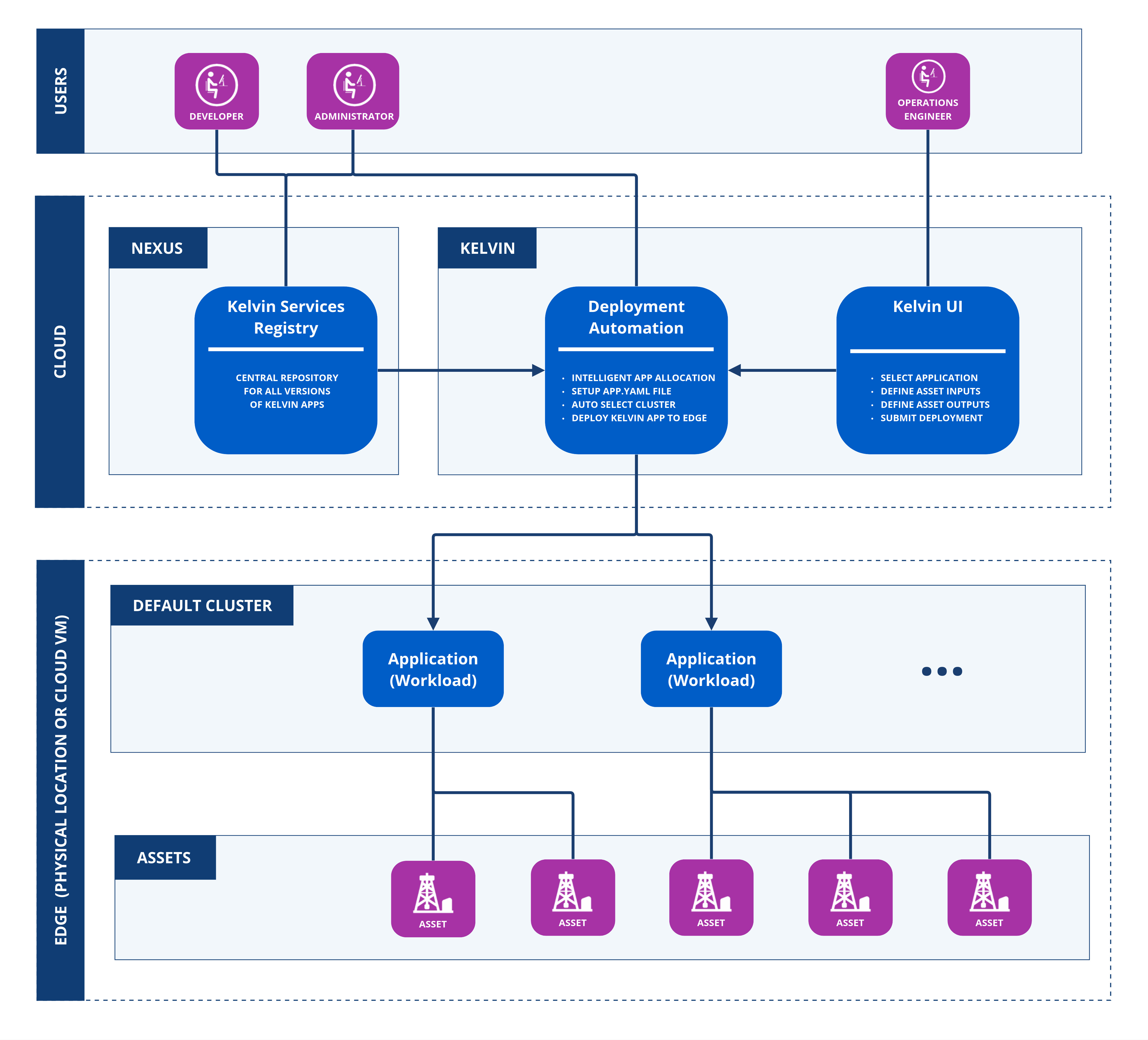
Applications are designed to take the technical IT and software development knowledge requirements out of the picture for deployment to the edge and management by Operations.
Applications utilise each Asset's input data for program execution and calculation to generate Asset output data, Control Changes and Recommendations.
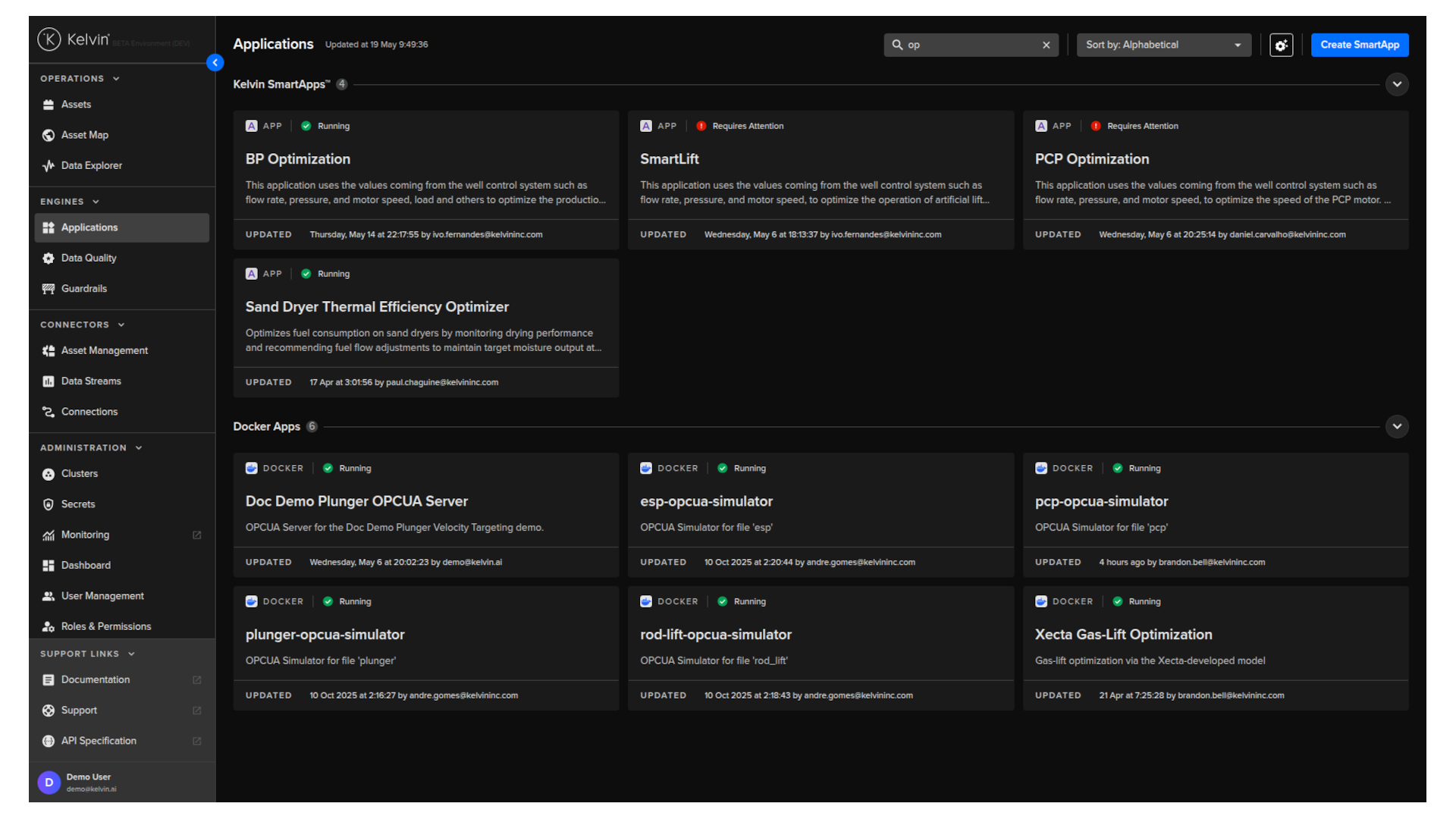
The Applications page in the Kelvin UI enables Operations Engineers to monitor and manage the Assets added to Applications and their App Parameter configurations.
Note
The overview page groups the Applications into the different types that are available; Docker Apps, Applications and Agents.
This allows the Operations Engineers to add Assets to any Application to monitor and control their assets without the need to have any knowledge of the software or the edge infrastructure.
See here how easy it is to add five new Assets to an Application and immediately start taking action on new Recommendations.
Individual Asset Control
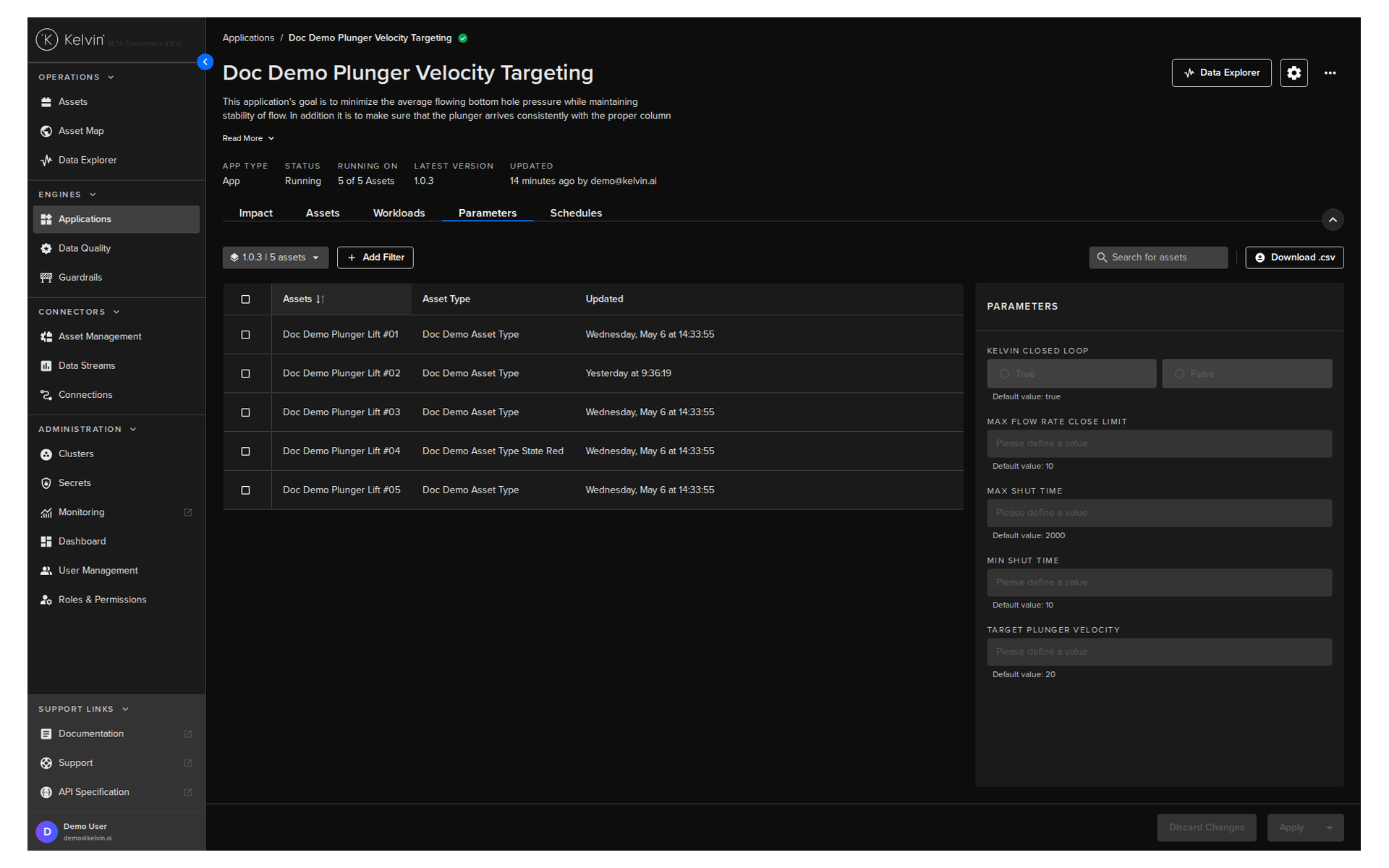
Where custom configurations are required for each Asset, each Application has an App Parameter configuration screen for customizing the values. These App Parameter configuration settings can be updated for each Asset separately or in bulk.
Even though the App Parameter configuration options for each Application can vary, the overall UI look and feel remains the same for all Applications.
This is great for Operations Engineers as they do not need to be trained on new UI interfaces for each Application.
Version Management
Software is always a space for innovation and new versions are continually coming out. This is no different for the industrial environment and machine learning model environment.
With Applications you can handle this with ease and have different Assets running on different versions of Applications concurrently.
The Operations Engineers can decide which version to run which Assets during the deployment.
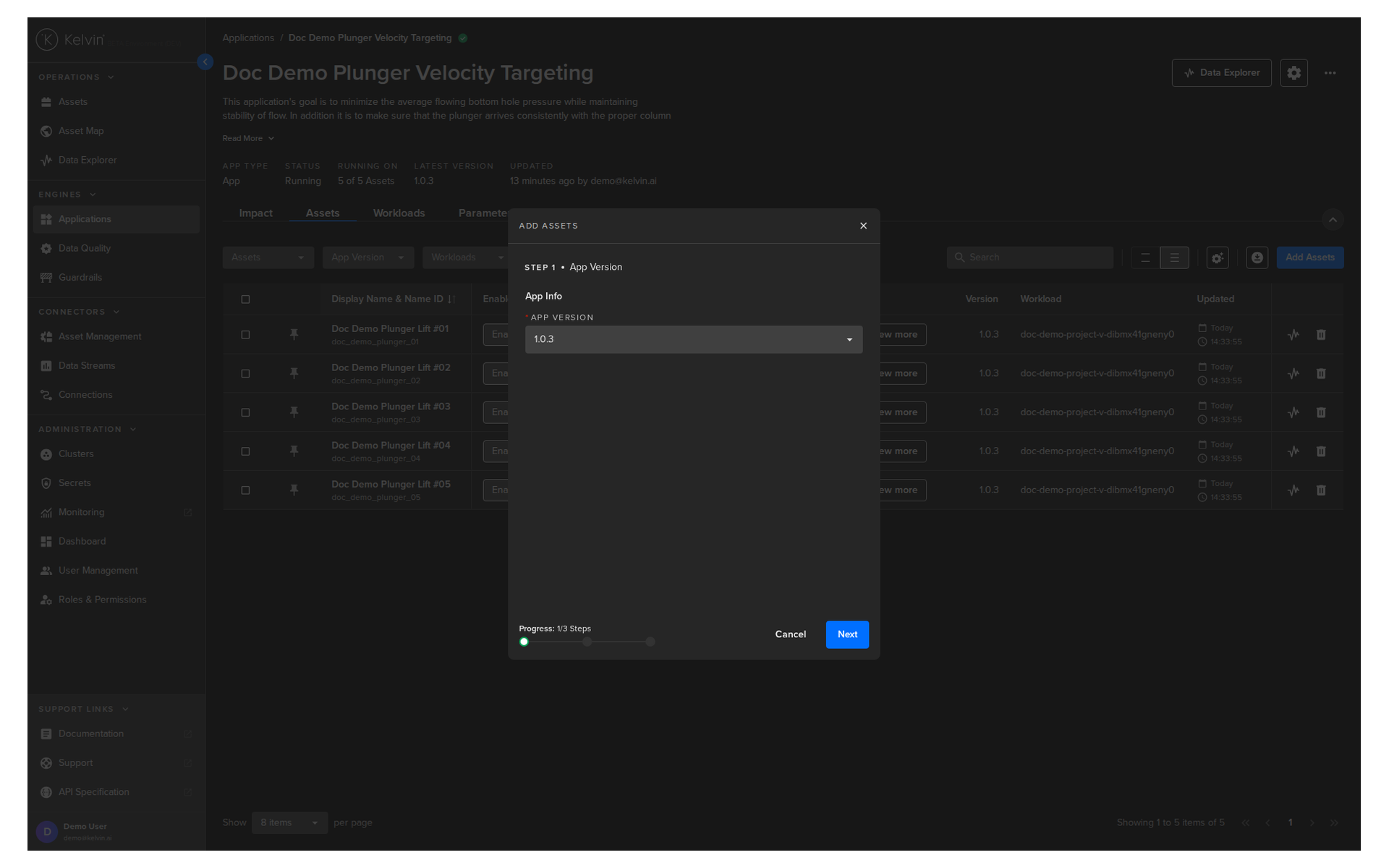
Each version may have different configurations which will be reflected in Kelvin UI for the Operations Engineers.
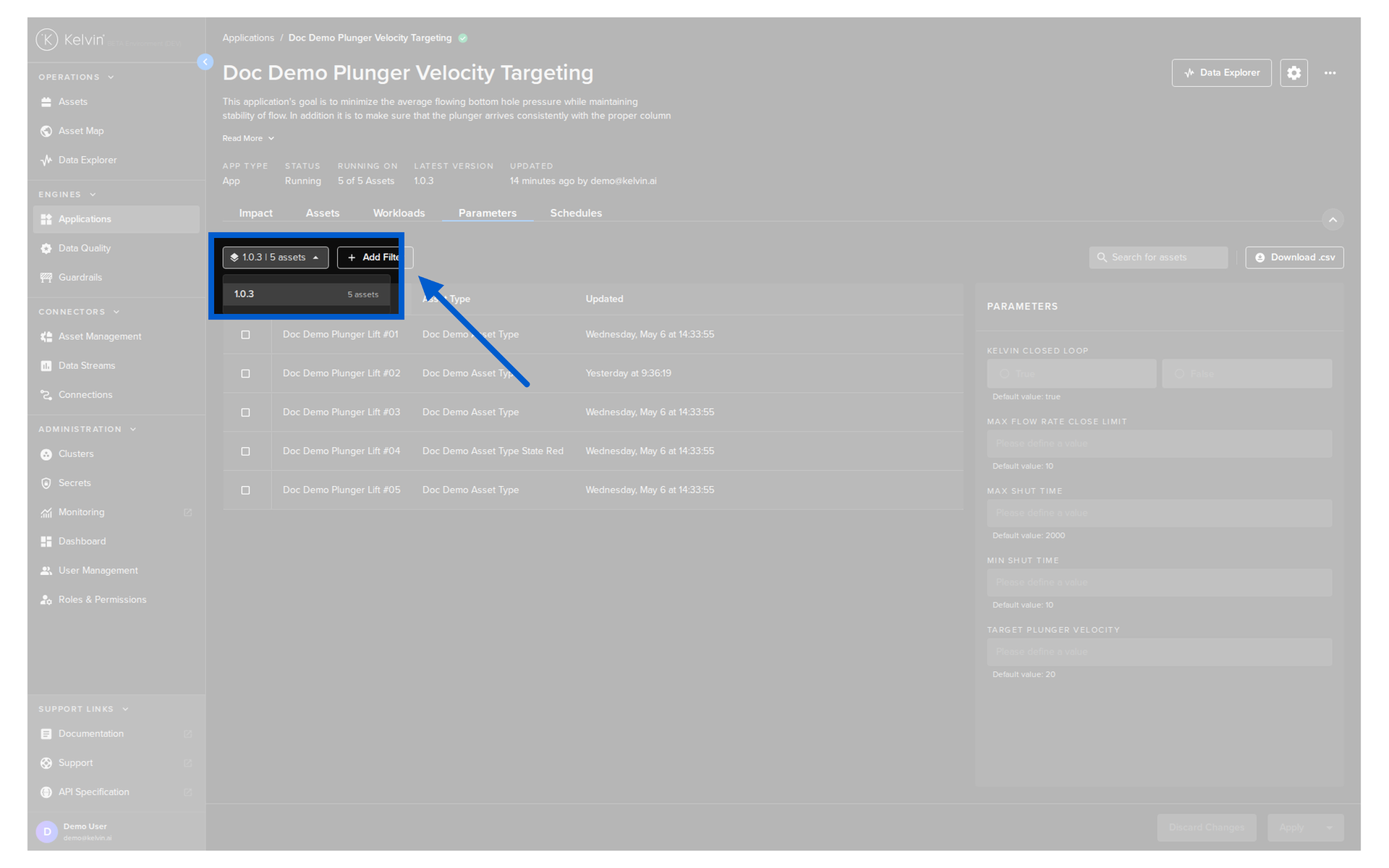
And upgrading Applications for one, a selection or all Assets is very easy.
Note
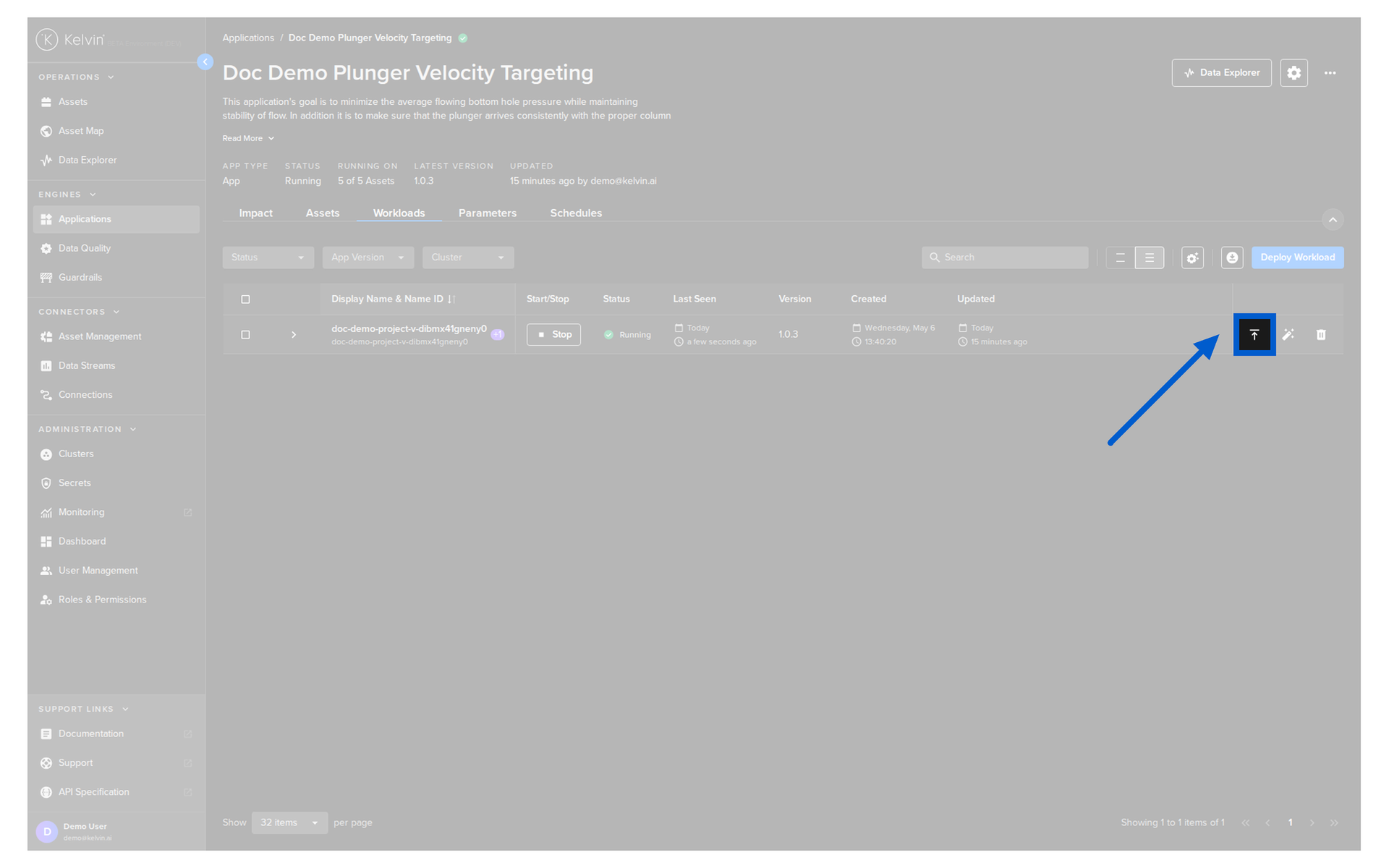
Only Administrators can see the Workloads tab.