Enable / Disable Assets
Note
This tab is only available with the Application type app
In Applications you have the ability to enable or disable each Asset individually in an Application.
When you disable an Application for an Asset, the Application will no longer process the data coming from the Asset and will not produce any output calculations, control changes or send recommendations to the Operations Engineers for this Asset.
The Application will continue processing data for the other Assets.
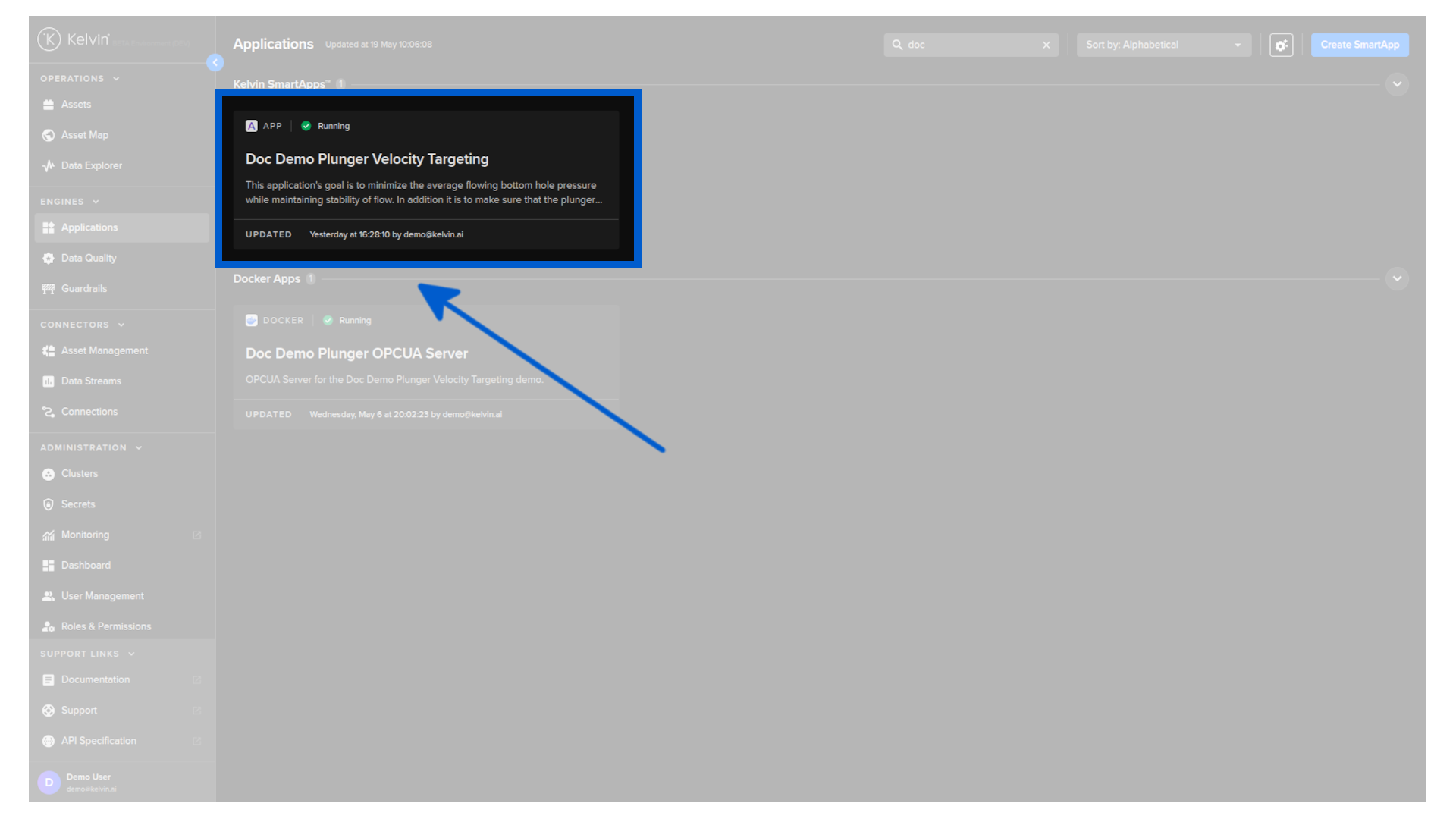
To control any Asset in an Application, go to the Applications dashboard page and select the Application where your Assets have been deployed.
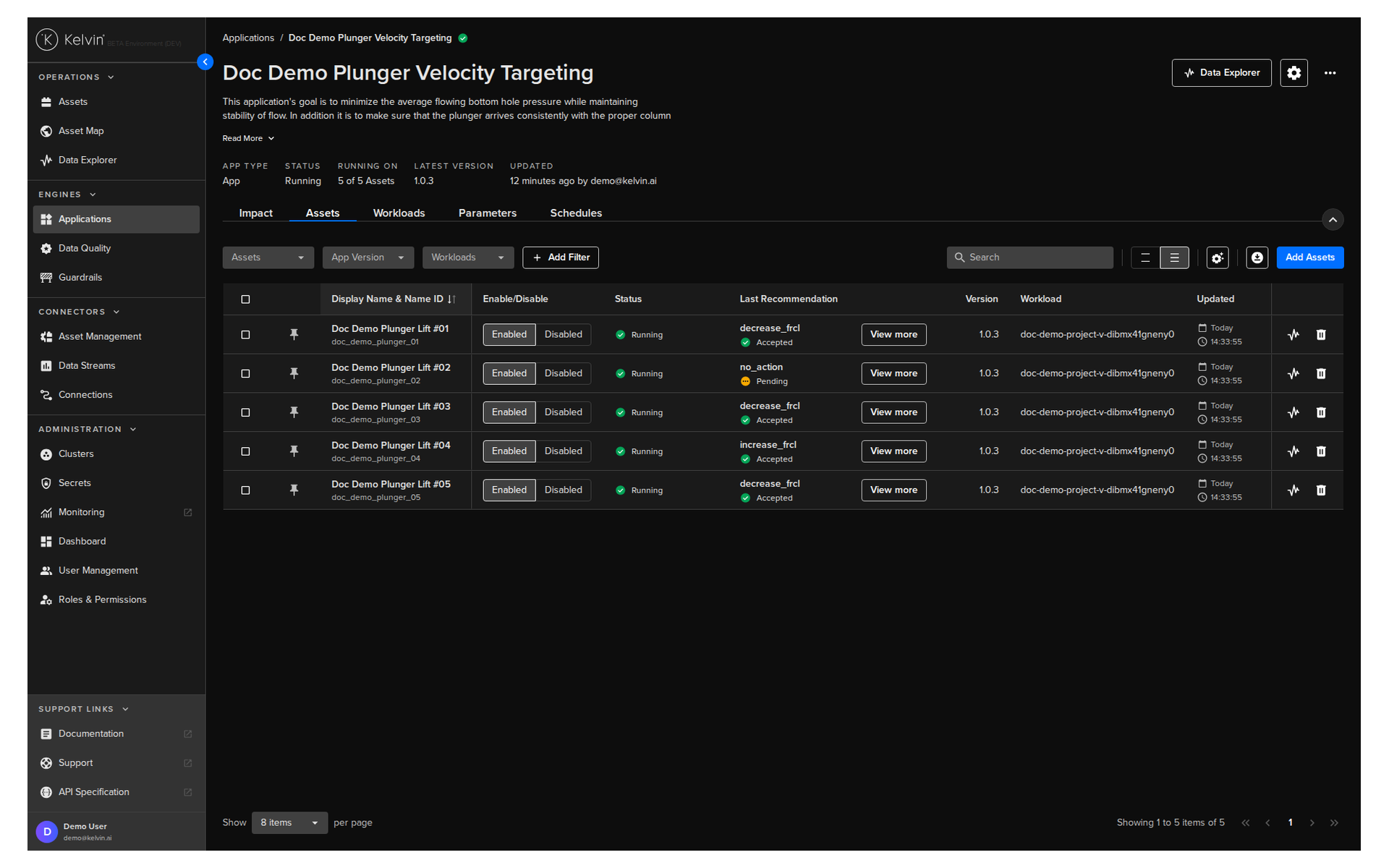
Click on the Assets tab, and you can see a list of Assets for the Application.
If you have a large number of Assets in an Application, you can use the filters to quickly find the Asset of interest.
Enable / Disable
You can control, on a per-Asset basis, whether the Application processes each Asset.
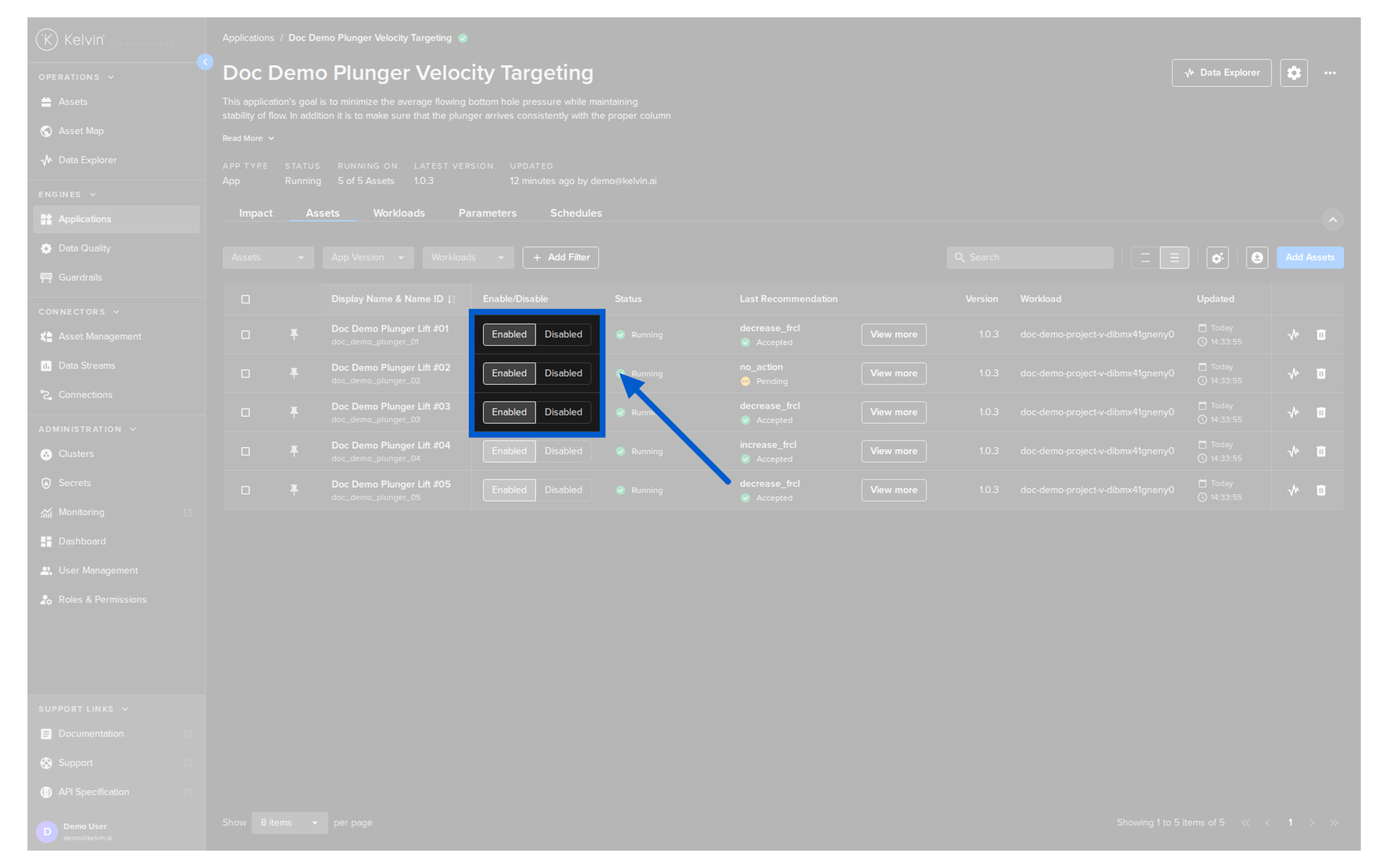
Enabled button - The Application will start to process input data for your Asset and produce the output data required.
Disabled button - The Application will stop processing data for your Asset.
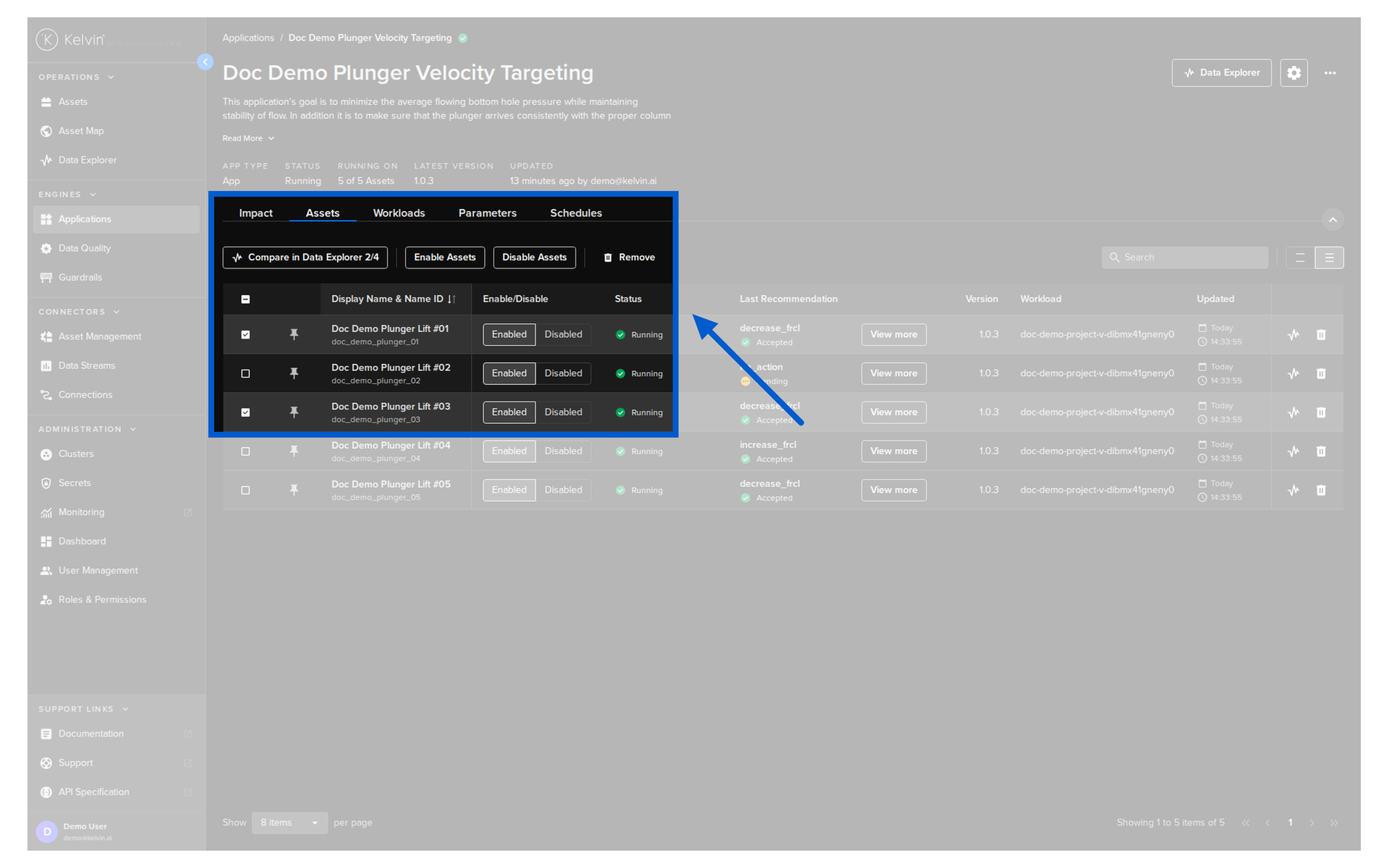
You can also control multiple Assets at the same time by selecting the Assets and then choosing a bulk action to take for all.